clocks
Eduk8me Clocks
(Full list of silly diversions from Eduk8.me Labs)
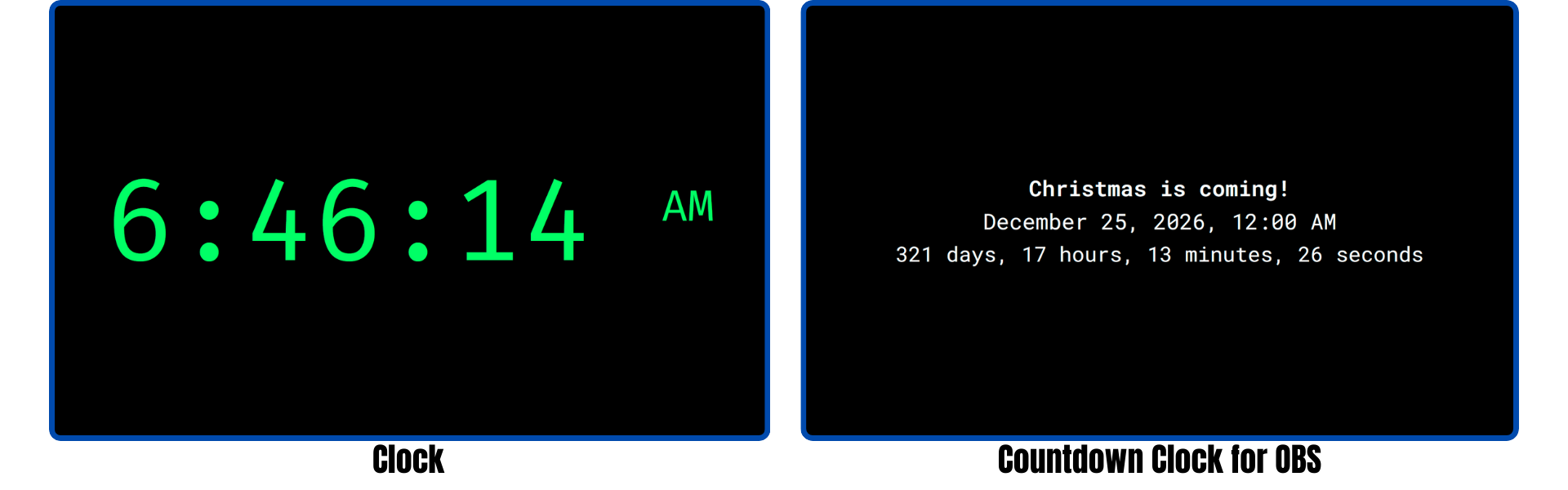
There are three clocks available:
These clocks were written with the help of ChatGPT. The countdown clock was written as an easy way to bring in a countdown clock into OBS as a browser source.
When using it in OBS, a good starting size for the browser source is 1920x300. The size can be adjusted as necessary to fit.
Usage
Mousing over or tapping the bottom right corner will show a settings gear to modify aspects of each clock. The settings are stored in the url, so once you have the clock or countdown set up the way you want, save a bookmark to the page.